Write Caption Field Instructions Before Editors Enter Timing Values
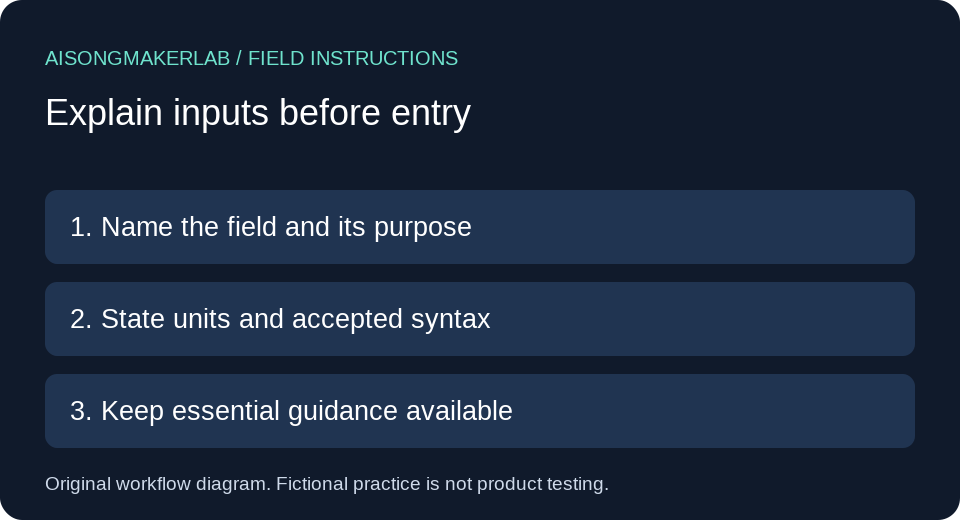
Give each caption input a clear purpose, state the accepted time format and explain any relationship to other fields before the editor enters a value. Keep essential instructions visible beside the input; offer longer explanations through a clearly named help control. A format example explains syntax, not the correct moment for a lyric to appear.
When choosing the best AI music generator for a lyric-video workflow, include the downstream caption handoff in your review. This guide addresses instructions in that handoff, not generator rankings or measured product quality. The five exercises below are self-authored fictional cases, not generated vendor results, user quotations or observed tests.
Start with a small handoff record
Record the project revision, caption field, visible label, required or optional status, accepted format, example, constraints and help location. Keep a separate column for what you actually observed when checking an implementation. A proposed instruction is not evidence that a tool displays it.
The W3C explanation of Labels or Instructions describes guidance that helps people understand expected input, including formats and relevant rules. It also cautions against excessive instructions. These principles inform our examples; the particular caption formats and interface designs below are authored choices, not W3C-mandated wording.
A practical comparison sequence
- Identify the field's purpose without entering anything. Separate cue start, cue end and cue duration when those concepts exist in the editor.
- Read the actual accepted format and units. Do not infer an editor's input syntax from its export file extension.
- Check whether essential instructions remain available after typing, validation and reopening the cue.
- Inspect how help relates to its input, including programmatic labels and descriptions. Review keyboard and assistive-technology behavior separately; visible text alone does not establish accessibility conformance.
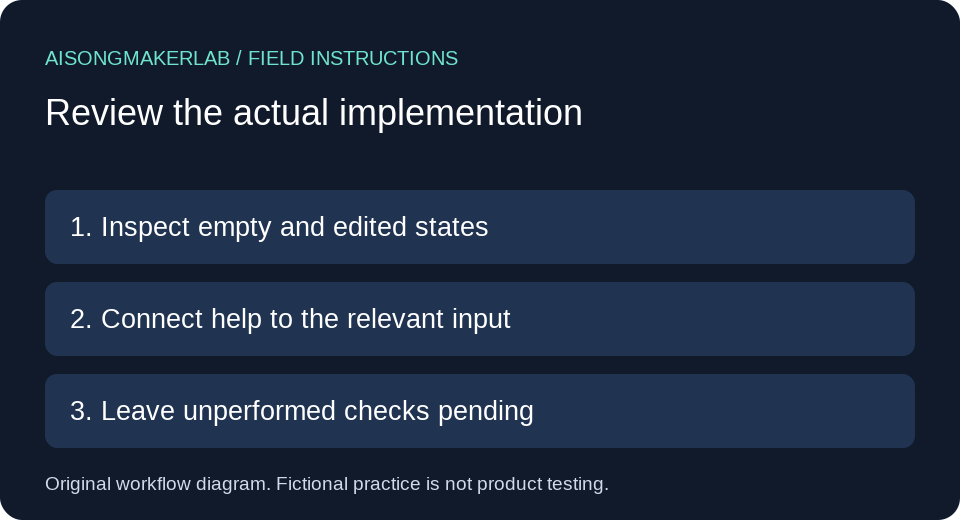
- Save the proposed wording and leave implementation observations pending until checked in the real editor.
Five self-authored fictional cases
Each case is an invented design exercise with an authored starting condition, proposed instruction and review method. None reports a vendor test or a successful user study. All numerical values describe the fictional exercise only.
1. State timestamp units before the first cue
Fictional starting condition: Mara is preparing captions for an invented acoustic demo. Her imaginary editor displays a field labeled Start with an empty box and the placeholder 12.50. She cannot tell whether it expects seconds, a decimal minute value or another representation. The project team has chosen a seconds-only input with a decimal point and up to three decimal places; that is a case assumption, not a claim about any existing editor.
Authored instruction: Use the label Start time (seconds) and persistent help reading: Enter seconds from the beginning of this recording. Example: 12.500 means twelve and a half seconds. The example belongs outside the editable value. It should not create a cue at that moment or imply that this is the onset of Mara's lyric. State any actual permitted range using the current recording's limits instead of a reusable guessed maximum.
Review method: Inspect the empty, typed and invalid states. Record whether the units and example remain available in each state. If the software accepts a different syntax, revise the instructions to match its actual behavior before delivery. Listening for the lyric onset remains a separate check. Leave every implementation result blank until performed.
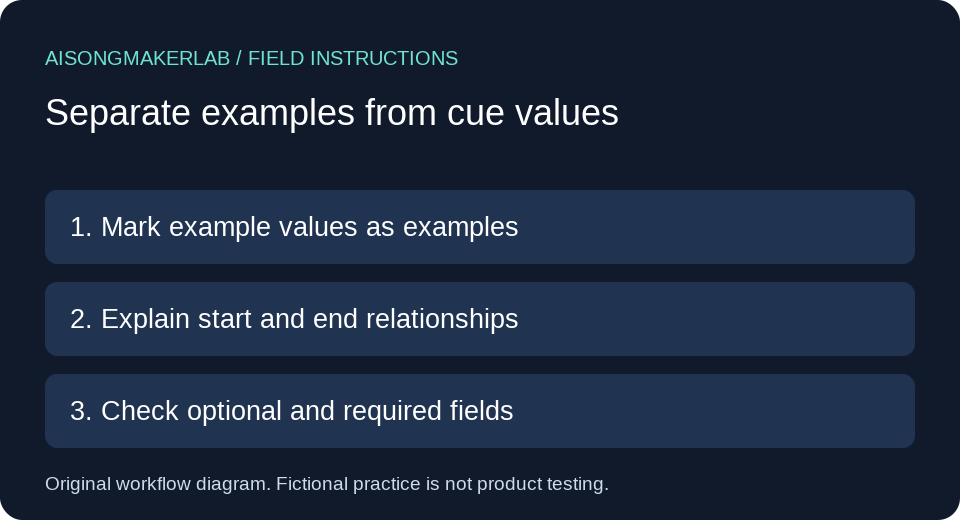
2. Explain the relationship between start and end
Fictional starting condition: Devon's imaginary cue form has two inputs called From and To. A collaborator interprets To as the number of seconds the caption stays on screen. In this invented design, both inputs are absolute positions measured from the recording's beginning. The interface team therefore needs to explain the relationship before someone enters a duration in the end field.
Authored instruction: Rename the inputs Cue start time and Cue end time. Place a short group instruction above them: Both times are positions in this recording; the end must be later than the start. For this exercise, an example pair of 8.000 and 10.000 describes a two-second span. Label it as an example pair, not project content. Do not populate these values automatically into a real cue just to demonstrate the relationship.
Review method: Check the two labels together and then inspect each input separately. The editor should not have to remember a distant explanation to distinguish an absolute end from a duration. Record the grouping and description connections for an actual accessibility review. A valid ordering still does not prove good reading time or synchronization; those judgments require the current lyric and recording.
3. Distinguish an optional speaker label
Fictional starting condition: Inez is captioning an invented duet. The design includes a Speaker field for captions that would otherwise leave the performer unclear, but the field is optional. An unexplained asterisk and an empty placeholder lead a reviewer to assume every cue needs a new name. The team has not established any automatic singer-identification capability.
Authored instruction: Label the field Speaker label (optional). Add help: Use the approved performer label when it is needed to clarify who is singing; leave blank when the cue is already clear. The approved label must come from the project's own information. The instruction must not invite the editor to infer a real person's identity from a generated voice. If a product actually requires the field, this optional wording would be incorrect and needs revision.
Review method: Record how the empty field is handled by the implemented workflow. Inspect whether the optional status remains visible after focus and after saving. Review any exported speaker text separately from the help itself. The fictional design proposes that the empty state is allowed; it does not establish that a particular generator or caption format supports that state.
4. Place the format example beside its own field
Fictional starting condition: Owen's invented handoff contains an elapsed-time box and a nearby cue identifier. A single example above the whole panel says 00:12.500. The cue identifier is free text, while the elapsed-time input uses a minutes-and-seconds representation in this design. A reader scanning quickly cannot tell which box the example explains.
Authored instruction: Put the format explanation immediately with the elapsed-time input: Minutes:seconds.milliseconds, for example 00:12.500. Give the cue identifier its own label and any applicable project rule. Do not reuse the example as a placeholder in both fields. If the actual implementation supports hours, comma separators or other accepted formats, the final instruction must explain those actual choices instead of silently borrowing this exercise's convention.
Review method: Trace each example to exactly one input or explicitly named group. Enter text only in a test copy, and check that guidance remains visible rather than disappearing with the placeholder. Inspect whether a programmatic description points to the relevant help instead of a different field's example. The desired outcome is unambiguous guidance; no measured reduction in mistakes is claimed here.
5. Keep long help available without hiding essential rules
Fictional starting condition: Priya's fictional caption project includes a long editorial guide explaining abbreviations, speaker notation and punctuation. Pasting the entire guide before every timing field makes the form difficult to scan. Hiding everything behind an unlabeled question-mark icon creates the opposite problem: the format and required status are no longer apparent before entry.
Authored instruction: Keep the field name, required status and accepted timing syntax beside the input. Add a named control such as Caption notation help for the longer editorial explanation. The expanded material should remain associated with the same project revision. A short instruction should not promise that opening help will save unsaved edits unless that behavior has actually been established.
Review method: Check the collapsed and expanded states in the actual implementation. Confirm that essential rules remain available and that the help control can be reached and operated using the keyboard. Record whether returning from help preserves the draft value; do not assume it. Review the expanded text for obsolete format examples. The proposed split is a design choice to examine, not an accessibility certification or a tested preference of real users.
Keep the comparison reviewable
Use the blank worksheet to separate proposed wording from observed behavior. Attach the current project revision and an exact field identifier. Record help placement, persistent availability and any unresolved label or description relationship. If you change a field's accepted format, review its example, validation message and exported representation together. Leave outcomes pending until checked.
This guide covers information available before entry. For rejected values, use the separate caption input-error guide and correction-suggestion guide. A useful form instruction does not replace listening to the finished captions.
Frequently asked questions
Is a placeholder enough?
A placeholder disappears when a value is entered in many interfaces. Keep essential instructions available while editing; inspect the actual label and description relationships too.
Should every input have a long explanation?
No. Give enough information to understand the purpose and expected input. Put genuinely lengthy supporting material in clearly named help without hiding essential rules.
Does a timestamp example determine the lyric onset?
No. It illustrates syntax. Choose the actual onset from the current recording and review synchronization separately.
Can I reuse these fictional formats in every editor?
No. Confirm the actual accepted syntax, units and limits first. Adapt the instruction to the implementation rather than assuming support.
Does this worksheet establish WCAG conformance?
No. It records a focused instructions review. Broader conformance requires evaluation of applicable requirements and actual behavior.
Download the five fictional cases · Download a blank review CSV